Wedding books guide
How to turn your photographer's Google Drive link into a wedding album
First save a full copy of the folder to a laptop or your own storage, because a shared link can be switched off at any time. Then sort the photos by function, shortlist the best shots from each one, and build the album from the original files, not from WhatsApp forwards or screenshots. Expect to pick about 150 to 400 photos for a 40-page album and keep roughly 120 to 160 on the final pages.
- A Drive link is not a backup. Download the whole folder, or every zip part, before you do anything else.
- If you cannot download, the photographer may have switched downloads off for viewers. Ask them to turn it on.
- Sort by function first (haldi, mehendi, sangeet, pheras, reception), then pick. It is far quicker than scrolling 2,000 photos in one go.
- Use the original files from the folder. Forwarded and screenshotted copies print soft.
- Videos cannot be printed, but a printed QR code can link to the highlight film.
Step by step
- Check the link and ask a few questions
Open the folder, see whether Download appears, and ask the photographer whether these are full-resolution files, where the highlight film is and how long the link will stay live.
- Download the whole folder
On a laptop, select the files or the folder in Drive, right-click and choose Download. A large folder may arrive as several zip files, so wait for every part.
- Check every zip part and back it up
Unzip each part, check the photo count looks right, and keep a second copy on another drive or in your own cloud storage. A Drive shortcut alone is not a backup.
- Sort the photos by function
Use the photographer's folders, or sort by date and time taken, so haldi, mehendi, sangeet, the main ceremony and the reception each sit in their own group.
- Shortlist the best from each function
Keep one shot from each burst, drop blurred and closed-eye frames, and check your must-have people appear. Aim for 150 to 400 photos for a 40-page album.
- Build the album from the original files
Lay out the album from the downloaded originals, not forwarded copies. Add a few still frames and a QR code for the highlight film if you want the video in the book.
What your photographer actually sent you
Many wedding photographers in India now deliver the edited photos as a shared Google Drive folder, often weeks or months before any printed album. The link usually gives you view access. You can see and open everything, but the folder still lives in the photographer's account, and they decide how long it stays shared.
The owner of a shared folder can also stop viewers from downloading, printing or copying the files 1. So the first thing to check is simple: open the link, select one photo and see whether Download appears. Before you start, it is worth sending your photographer a short message with a few questions.
- Are these the full-resolution edited files, or smaller web copies for viewing?
- Is the highlight film or teaser in this folder, or will it come separately?
- How long will this link stay live?
- Is it fine for us to print an album and a few family copies from these files?
Save a copy that does not depend on the link
A folder of 1,000 to 3,000 wedding photos is easiest to save on a laptop. In Drive on a computer, select the files (hold Ctrl on Windows or Command on a Mac and click each one), then right-click and choose Download 1. You can also right-click the whole folder and download it.
Drive packs a folder download into zip files, and a large folder can come down as several zip files rather than one 3. Check that every part has finished downloading and opens properly before you assume you have everything.
On an Android phone, open the Google Drive app, tap the three-dot menu next to a file and tap Download 2. If you cannot see the option, check whether Data Saver is on, because Drive hides downloads while it is switched on 2. Phones are fine for a handful of photos, but a full wedding folder will fill a phone quickly.
If you would rather keep the photos in your own Google account, remember that free storage is 15 GB per account, shared across Gmail, Drive and Google Photos 5. A wedding folder can use a large share of that, so check your space first.
When the download does not work
Most download trouble comes from a handful of causes. Work through the table below before you assume the files are lost.
| What you see | What it usually means | What to try |
|---|---|---|
| No Download option at all | The owner has switched off downloading for viewers 1 | Ask the photographer to allow downloads, or to share the files another way |
| "Too many users have viewed or downloaded this file recently" | A temporary limit on a widely shared file 1 | Wait about a day, or use Make a copy from Shared with me and download the copy 1 |
| Download starts, then fails in the browser | Blocked third-party cookies or a browser extension getting in the way 1 | Allow cookies for drive.google.com, or turn extensions off and try again 1 |
| No Download option in the Android app | Data Saver is on 2 | Turn Data Saver off for the download |
| Some photos are missing after unzipping | Not every zip part finished or opened | Check each numbered zip file and download any missing part again |
Sort the folder by function before you pick
Scrolling through 2,000 photos in one long list is tiring, and you will end up with 40 photos of the varmala and two of the vidaai. Sort first, pick second. Many photographers already split the folder by function. If yours did not, sort the photos by the date and time they were taken. Each function usually sits in its own block of hours.
Your list of functions depends on your family, region and community, so treat this as a starting point. A Punjabi wedding may have a jaago and an anand karaj, a Tamil wedding a nalangu and a muhurtham, and a Muslim wedding a manjha, a nikah and a walima.
| Function | Photos to look for | Rough share of the album |
|---|---|---|
| Roka, sagai or engagement | Ring exchange, both families together, the couple's first posed portrait | A few pages |
| Haldi | Turmeric on cheeks, cousins mid-laugh, the bride or groom with grandparents | A few pages |
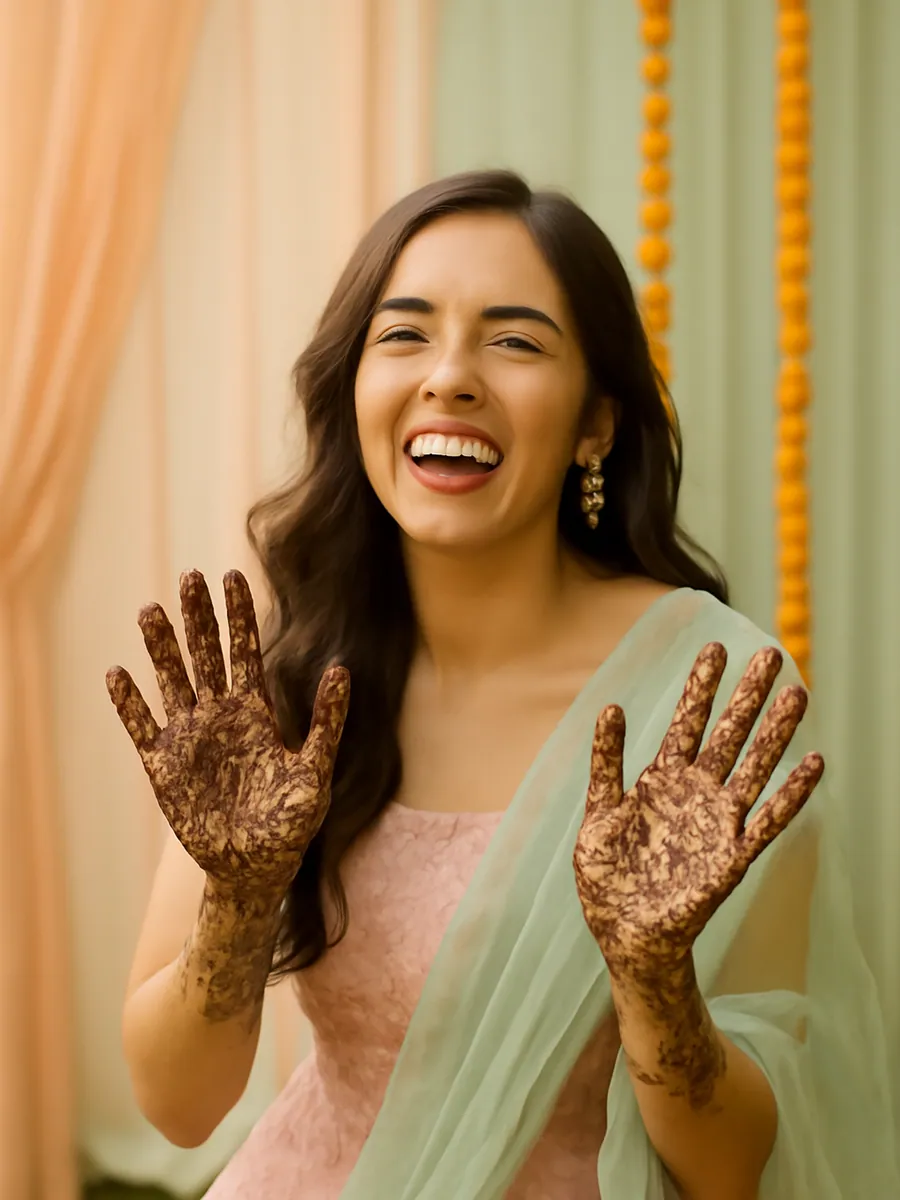
| Mehendi | Close-ups of the design, the person hiding a name in it, the whole group | A few pages |
| Sangeet | The couple's dance, family performances, wide shots of the floor | A few pages |
| Baraat and arrival | The groom's entry, dancing relatives, the welcome at the gate | A spread or two |
| Main ceremony | Varmala, pheras or nikah, kanyadaan, sindoor or mangalsutra, elders' blessings | The largest chapter |
| Vidaai | The goodbye, parents and siblings, the car leaving | A spread |
| Reception | The couple on stage, family groups, the cake or first dance if you had one | A few pages |
How many photos to choose
A good album breathes. A few large photos on some pages and a grid of candids on others will feel better than every page crammed full. These ranges are a useful starting point. For more detail, see how many photos to put in a wedding album.
| Book | Photos to shortlist | Photos on the final pages |
|---|---|---|
| One function, such as a haldi or mehendi booklet (about 24 pages) | 40 to 80 | Most of your shortlist |
| Full wedding album (about 40 pages) | 150 to 400 | About 120 to 160 |
| Album from the photographer's whole folder | All 1,000 to 3,000, then cut down | About 120 to 160 |
Picking photos that print well
Always build the album from the files in the folder. A photo that has been forwarded on a family group or screenshotted is usually a smaller copy and can look soft on paper. If a relative's phone photo is the only shot of a moment, ask them for the original file. Our guide to saving WhatsApp photos in full quality explains how.
Videos cannot go on paper, but they do not have to be left out. You can pick a few still frames from the highlight film, such as the varmala moment, and add a printed QR code that opens the full clip. Read more about adding videos to a printed photo book.
- Keep one photo from each burst. Photographers often shoot five near-identical frames of the same moment.
- Drop closed eyes, blur and half-turned faces, unless the moment matters more than the shot.
- Make a list of must-have people, such as Nani, Chhoti Bua or the cousin who flew in from Dubai, and check each one appears at least once.
- Mix posed family groups with candids. Elders love the groups, and the couple will love the candids.
- If you plan to print copies for both families, check the photographer is happy with that. Our post on who owns your wedding photos covers the basics.
A quicker route
If sorting 2,000 photos by hand sounds like a month of weekends, this is the problem Chalk Art is being built to solve. You paste the photographer's Drive link (with downloads switched on) or pick from your phone or Google Photos, tick the functions you had and answer a few short questions. AI sorts the photos into function chapters, drops the duplicates and blurred shots, and writes captions in English, Hindi or Hinglish. You see the whole book before anything is printed.
You can browse all wedding books while you wait.
Questions
Why can't I download photos from my photographer's Google Drive link?
The most common reason is that the owner has switched off downloading for people with view access. Only the photographer can change this, so ask them to allow downloads. Other causes are a temporary limit on busy files, blocked cookies or extensions in your browser, and Data Saver on Android .
Is adding the folder to my Drive the same as saving it?
No. Adding a shortcut only places a link to the photographer's folder in your Drive . If they delete the folder or stop sharing it, you lose access. Download the files to keep your own copy.
Can I download the whole wedding folder on my phone?
You can download files one by one in the Google Drive app , but a full wedding folder is usually too large to handle comfortably on a phone. A laptop is easier, and you can then keep a backup on an external drive.
How many photos should go in a 40-page wedding album?
Shortlist about 150 to 400 photos and expect around 120 to 160 to make the final pages. Give the main ceremony the largest chapter and leave space for a few full-page portraits.
Can I put the wedding video in a printed album?
Not as a video, but you can print still frames from it and add a QR code that opens the clip on a phone. The free digital version of a book can play the clip directly.
Sources
- Download a file (computer), Google Drive Help. Accessed 31 October 2026.
- Download a file (Android), Google Drive Help. Accessed 31 October 2026.
- Improvements to downloading files and folders in Drive, Google Workspace Updates blog. Accessed 31 October 2026.
- Find files and folders with Google Drive shortcuts, Google Drive Help. Accessed 31 October 2026.
- How your Google storage works, Google One Help. Accessed 31 October 2026.